Designing a Contextual Activity & Data Collection System
Problem Space
Workflow automation and data collection system
Year
2025
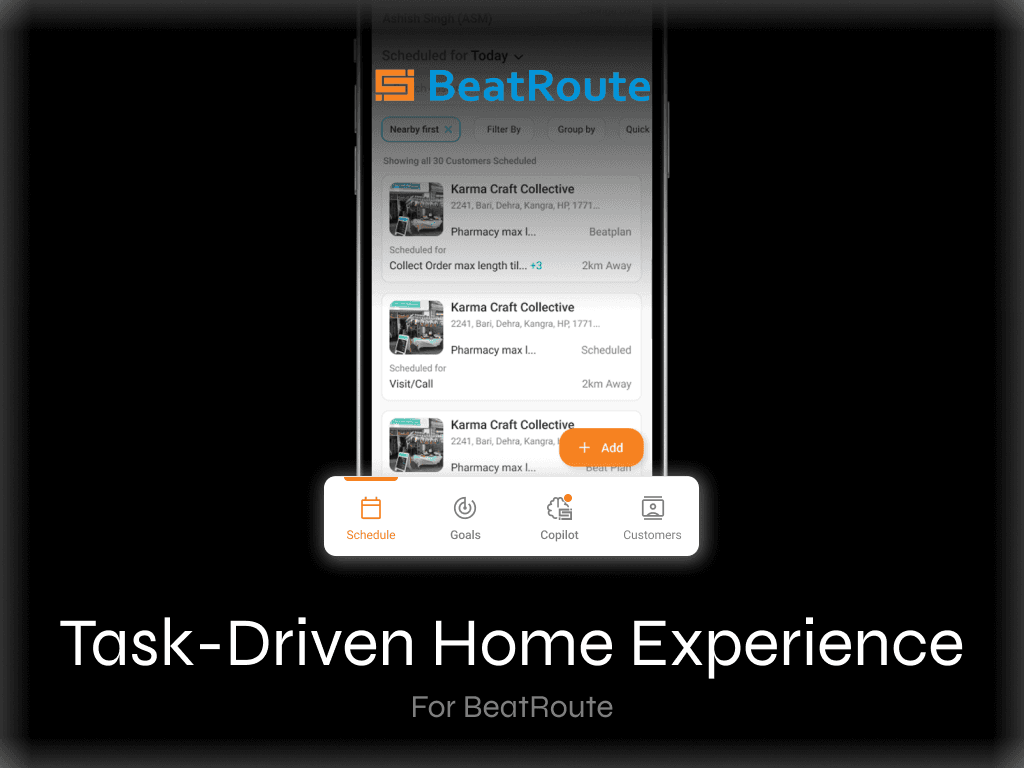
Designed a contextual activity and data collection system for BeatRoute, enabling admins to link dynamic forms directly to business workflows like orders and returns. Reduced workflow breaks by allowing users to complete activities within the flow, with automatic data fetching to minimize manual effort. Focused on improving efficiency, flexibility, and usability across admin and field user experiences.
Scope of Work

Problem
BeatRoute allowed admins to create custom activities (forms) to collect business-specific data, but these were disconnected from how users actually worked.
Activities existed as standalone forms
Users had to leave their workflow to complete them
Manual effort required to:
Search for activities
Enter context (e.g., Order ID)
No support for workflow-based or contextual data capture
👉 Result: Broken workflows, increased effort, and inefficient data collection
Context: What are Activities?
Custom Activities are flexible forms used to capture data beyond standard workflows like Orders or Payments.
They are used for:
Customer-linked tasks
(e.g., store audits, visibility checks, complaint reporting)Team-level tasks
(e.g., expense submissions, training feedback)
Who is this for?
Admins
Create and configure activities
Define questions, timelines, and visibility
Decide who should see the activity
Sales Representatives (SFA App)
Complete activities during fieldwork
Fill forms linked to workflows or customers
Customers / Retailers (Customer App)
Complete activities assigned to them
Participate in workflows like feedback, audits, or issue reporting
👉 Activities are a cross-platform system spanning admin, sales, and customer apps
Why this was challenging
Activities are dynamic and configurable
Workflows vary across companies
System needed to support:
Multiple user types
Multiple entry points
Context-aware data capture
👉 The challenge was to make the system flexible yet intuitive
Understanding the Existing Experience
Activities were created as standalone entities
No linkage to workflows like Order, Return, Dispatch
Users had to:
Exit their current task
Search for the activity
Manually input context
👉 Even for simple actions (like raising a complaint on an order), the experience was fragmented

Key Insights
Users should not have to break their flow
Context should be automatically available
Activities should feel embedded, not separate
System must support different user roles and use cases
👉 The core issue was lack of contextual integration across the system

Design Direction
1. Make activities contextual
Bring them into workflows where actions happen
2. Reduce manual effort
Automate context and eliminate redundant steps
3. Support multiple user types
Enable activities for both sales reps and customers
4. Maintain flexibility
Allow admins to configure activities based on business needs
What I Changed
1. Introduced Transaction-Linked Activities
Problem
Activities were disconnected from workflows
Solution
Enabled admins to link activities to specific workflows such as;
Order
Return
Dispatch
👉 Activities now appear within relevant workflows

2. Enabled In-Flow Activity Completion
Problem
Users had to exit workflows to complete activities
Solution
Activities now surface inside workflows
Users can fill and submit without leaving
👉 Eliminated workflow breaks and improved efficiency

3. Automated Contextual Data Fetching
Problem
Users manually entered IDs (e.g., Order ID)
Solution
Auto-fetch relevant data when accessed in-flow
When accessed externally:
Users select workflow type + ID
👉 Reduced manual effort and errors
4. Designed a Multi-User Activity System
Problem
Activities were not clearly structured across different user types
Solution
Enabled admins to define who the activity is for:
Sales reps → visible in SFA app
Customers / Retailers → visible in customer app
👉 Created a unified yet role-specific system
5. Structured Activity Creation with Templates
Problem
Activity creation was repetitive and unstructured
Solution
Introduced workflow-based templates
Enabled admins to:
Define activity type
Link to workflows
Configure visibility and timelines
👉 Made creation more scalable and structured

6. Improved Activity Discovery
Problem
Activities were hard to find in long lists
Solution
Activities now appear across multiple touchpoints:
Workflow screens
Action panel (if promoted)
General activity list
👉 Increased visibility and accessibility
End-to-End Experience
The redesigned system:
Integrates activities within workflows
Supports sales reps and customers
Reduces manual effort and context switching
Enables flexible configuration for different businesses
Impact
(Based on implementation and internal feedback)
↓ Workflow interruptions
↓ Manual effort and data entry
↑ Ease of completing tasks in context
↑ Adoption across different user roles
Key Learnings
Contextual design improves efficiency in complex systems
Flexibility is critical in multi-user B2B platforms
Reducing flow breaks directly impacts usability